
Examples you can click through.

Words only go so far when you are planning software. These original concepts use fictional data, so you can try the interaction, see the states and edge cases, and decide what you would want to be different for your own business.

How to read these examples: they are concepts built by Aixo Lab, not client projects. They contain no real customers, results or published products, and changes you make in a demo are kept only for the current page session.

Four ways software can support a business

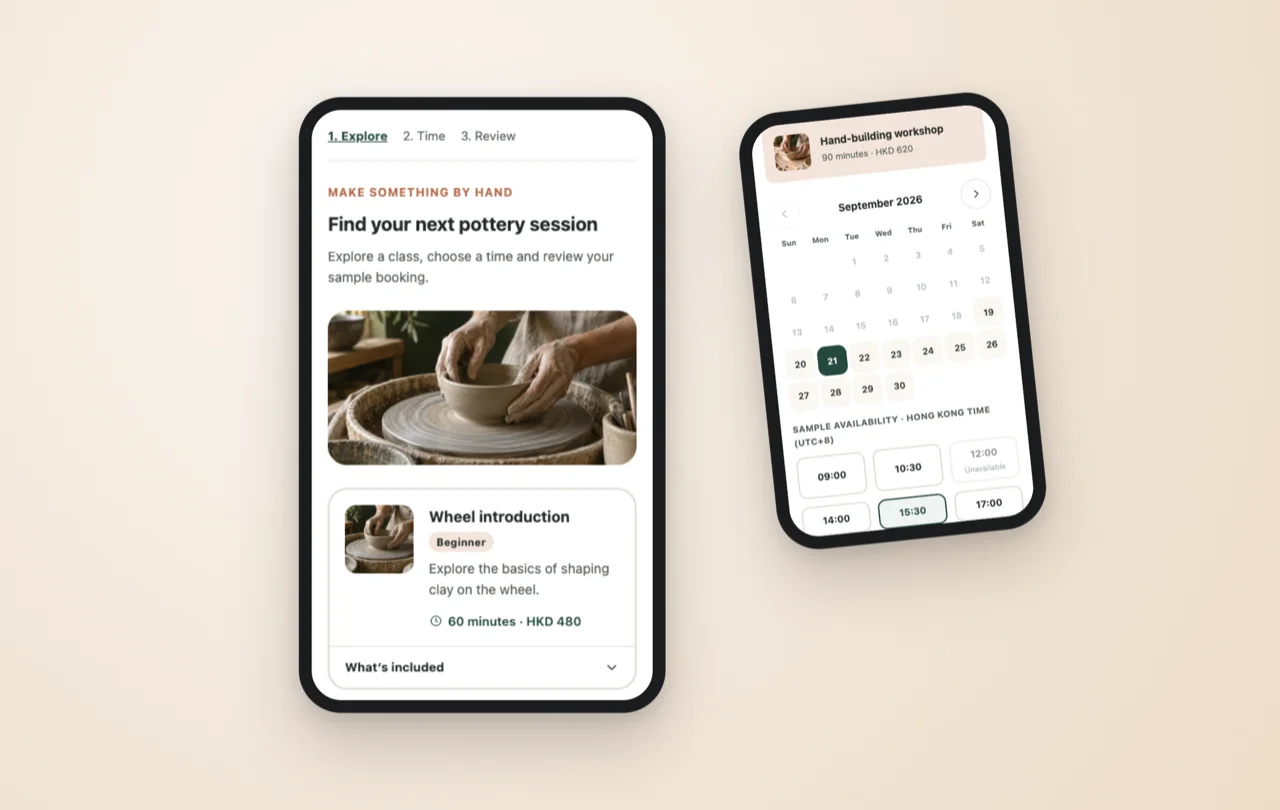
Two phone screens showing the booking app concept: choosing a class on the left screen, and a chosen class with a selected date and time on the right screen.

Booking app concept

A mobile-first booking flow: choose a class, pick a date and time from sample availability, then review before confirming. It shows how a customer-facing service can feel clear and low-effort.

Product concept · Fictional data

Read about the booking concept
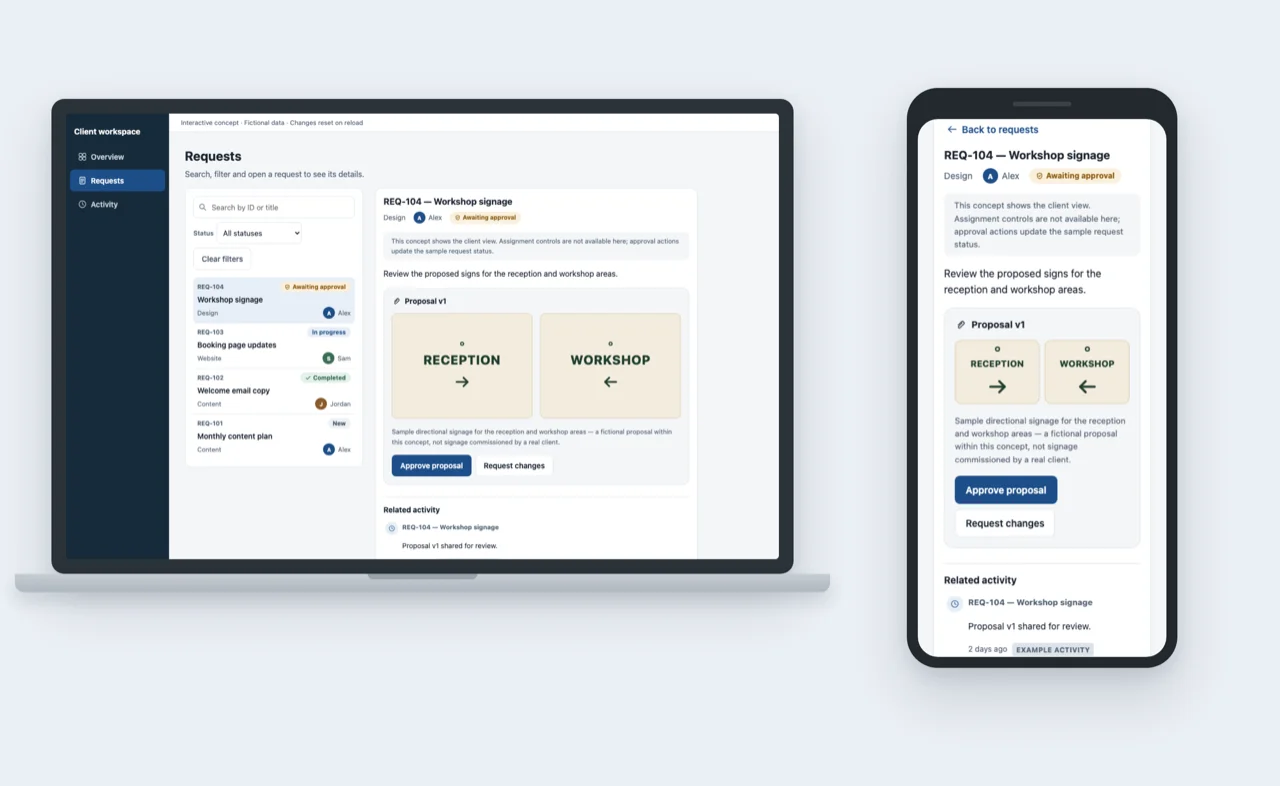
Laptop and phone screens showing the client portal concept: the Requests view with a sample proposal open on the laptop, and the same proposal's approval action on the phone.

Client portal concept

Requests, proposal reviews and activity updates in one shared workspace, with a clear approve-or-request-changes step. It shows how a service business and its clients can stay aligned.

Product concept · Fictional data

Read about the client portal concept
Aixo Document Review interface showing a sample document alongside editable extracted fields.

Document preparation with human review

Explore a sample document, review predefined extracted fields and accept a draft only after checking the information. It shows where a person stays in control of an AI-assisted step.

Illustrative demo · Fictional data · Simulated AI extraction

Open the document review demo
Aixo Workboard interface showing a list of work requests with status filters and a detail panel.

Operational work tracking

A work list with search, filters and status updates. It shows how a custom internal tool can support coordination between the people who ask for work and the people who do it.

Illustrative demo · Fictional data · Changes are not saved

Open the work tracking demo

What to look for when you try them

  • How the interface handles empty results, mistakes and unavailable options, not only the happy path.
  • Where the system asks for confirmation, and where it simply gets out of the way.
  • How a decision is recorded, so the next person can see what happened and why.
  • What would need to change for your customers, your team and your existing tools.

The demos are in English. Each concept page above explains what the prototype demonstrates, and what a production version would still need.

Imagine something like this for your business?

Describe the people involved and the work you would like to improve. The project brief builder can help you put it into words first.

Request a project quote

Not sure how to describe it yet? Try the project brief builder.